When someone finds your things, make it easy to give them back.
A tag on your suitcase, keys or laptop. Finders scan it, write a short note and you are told where to pick it up. Your address stays private.
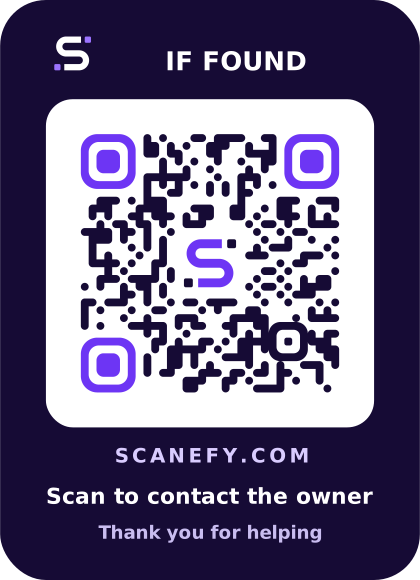
Example tag. The code is real and opens this page.
How it works
- 1
Attach a tag
Print the 55 × 76 mm tag PDF, laminate it or use a luggage-tag sleeve. Add a photo and description in the app.
- 2
A finder scans
They see what the item is and a simple form. No app, no account, no personal details needed.
- 3
You are notified
Their message arrives in your inbox. Reply privately to agree how to get it back.
Small details that bring things home
Lost Mode
Switch it on and finders see clearly that you are looking for the item, with your reward note.
Optional reward note
A friendly incentive without publishing anything personal. Shown only while Lost Mode is on.
Photo and description
Help finders confirm it is the right bag. Photos are re-encoded and stripped of location data.
Nothing personal on the tag
No address or phone number is printed or shown. The finder's contact details stay private too.
Works for anything
Luggage, keys, backpacks, laptops, cameras, instruments, bikes. Up to 25 items on the free plan.
Mark as recovered
Once it is back, mark it recovered. The tag thanks future scanners instead of asking for help.
Questions, answered
Can a finder see my address?
No. They only see the item name, your description, the optional photo and a contact form. Replies happen inside Scanefy.
What if the tag gets wet?
Print on waterproof label material or put the tag in a clear luggage-tag sleeve. The PDF prints at exact size.
Do I need an NFC tag as well?
No, the QR code is enough. You can additionally write the same code to an NFC sticker in NFC Studio so phones can tap it.
Tag it once. Relax wherever you travel.
Static codes are free and never expire. Dynamic codes, profiles and private contact tags are included in the free plan.